Single Monitor Return Instructions
Packing your monitor and laptop box.
1 Unpack the Box
Carefully open the box and remove all contents. You should find tape, return labels (located inside the smaller box), and bubble wrap.
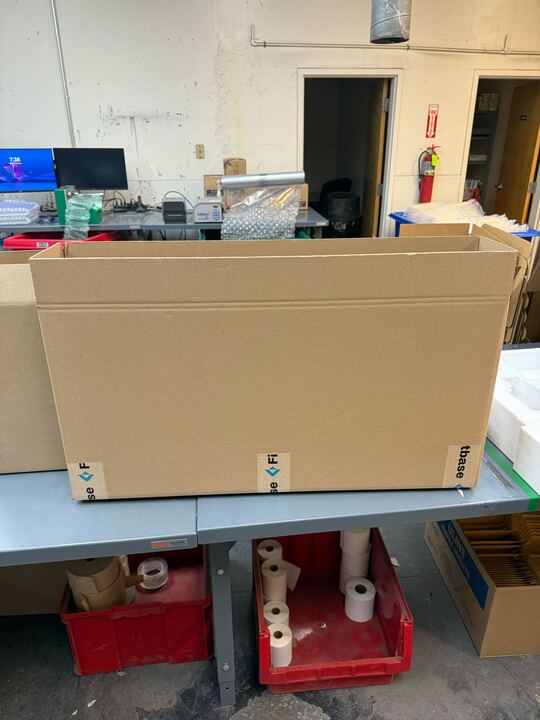
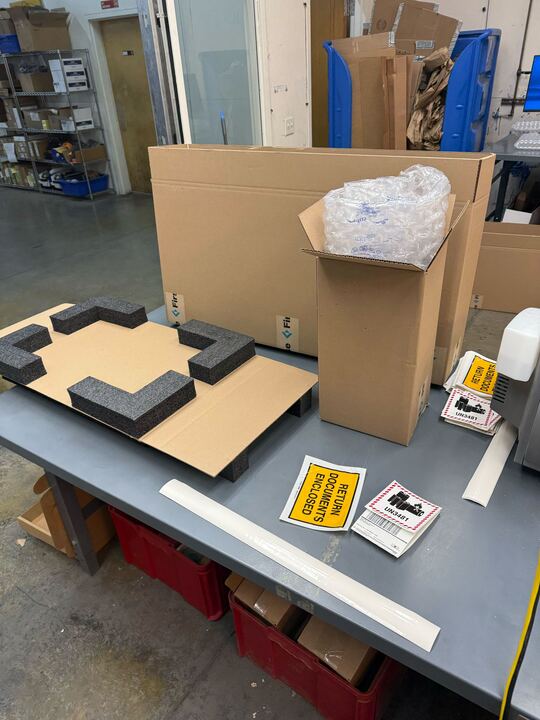
2 Prepare the Insert
Open the monitor/laptop insert and trim it to fit the size of your monitor.
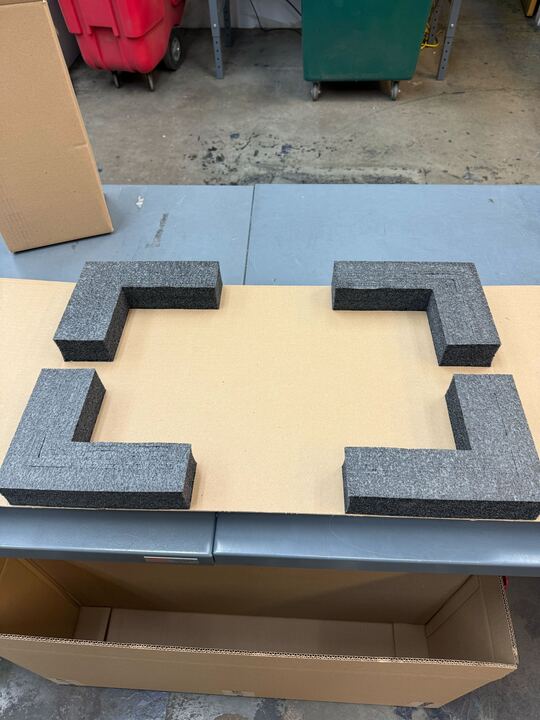
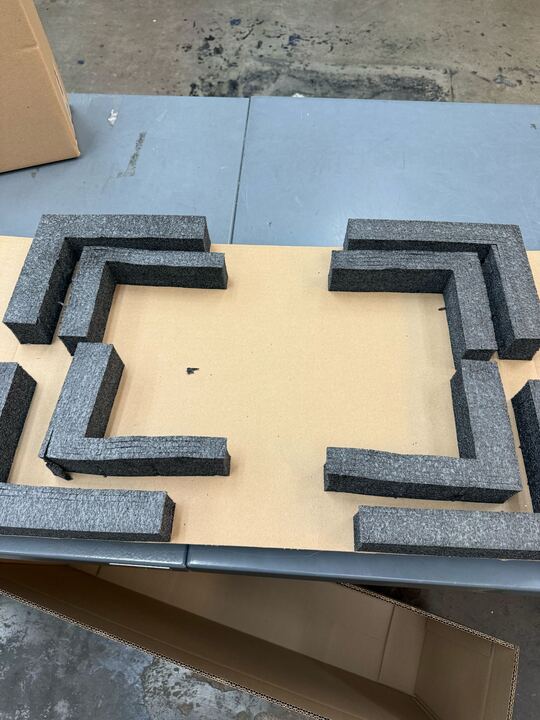
3 Prepare the Monitor
Detach the stand from the monitor and place the monitor securely inside the insert.
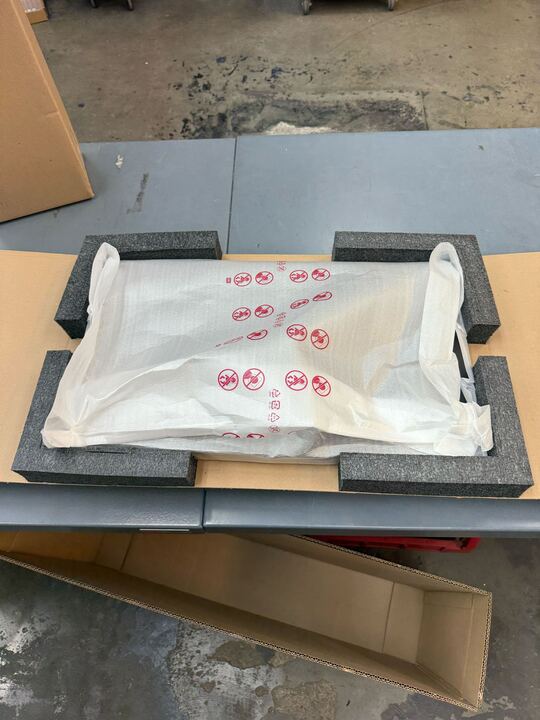
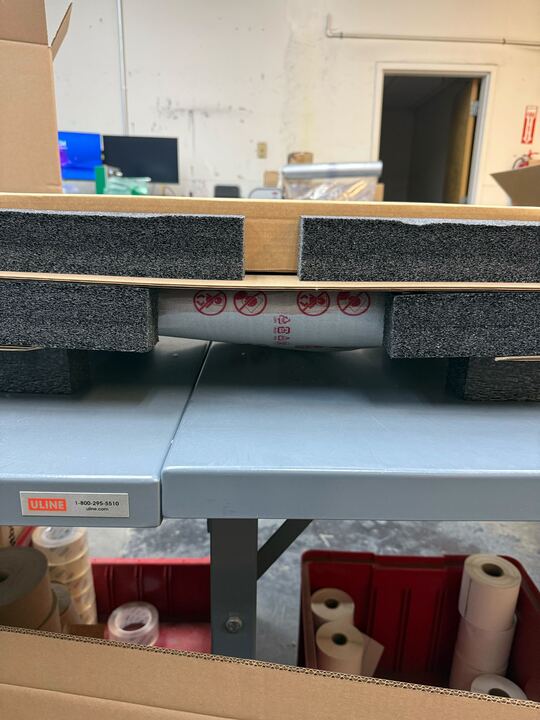
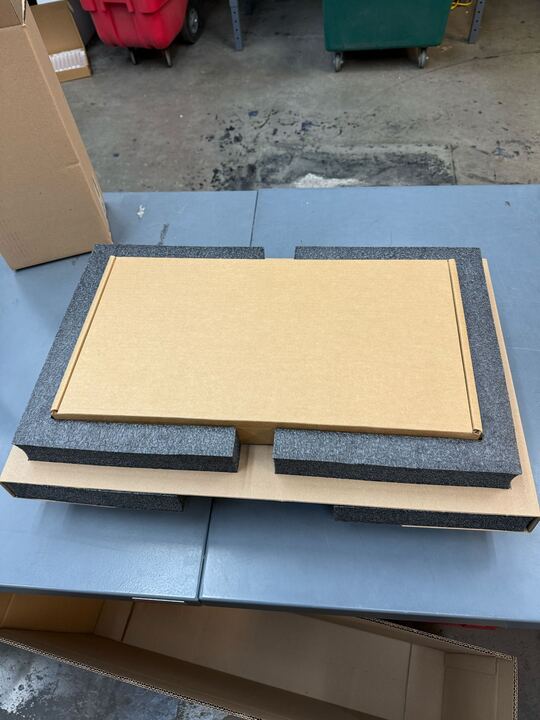
4 (If Returning a Laptop)
If you are returning a laptop in addition to the monitor, flip the insert to the other side and place the laptop box in the back.
5 Detach Monitor Base
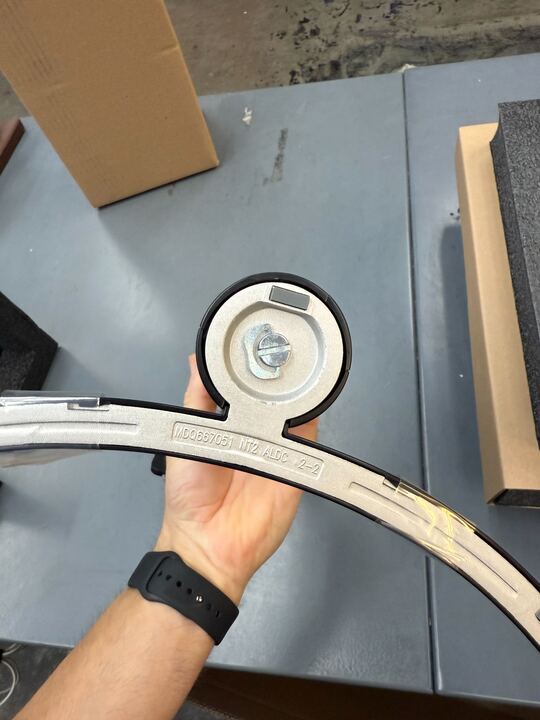
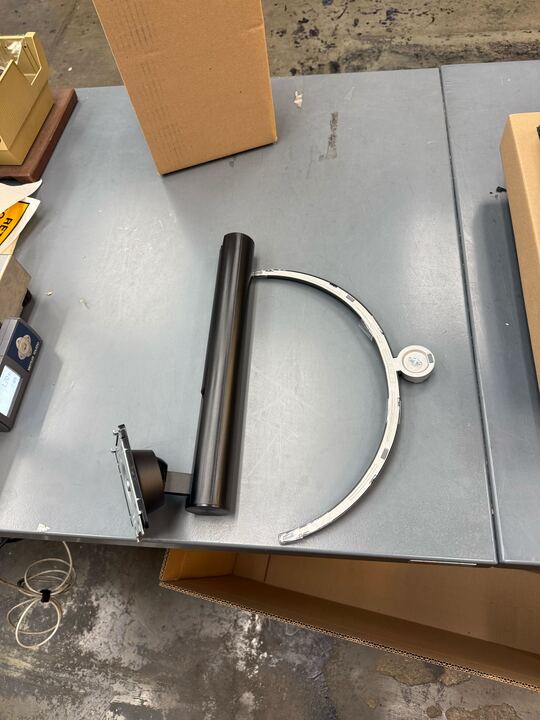
Detach the monitor base from the arm.
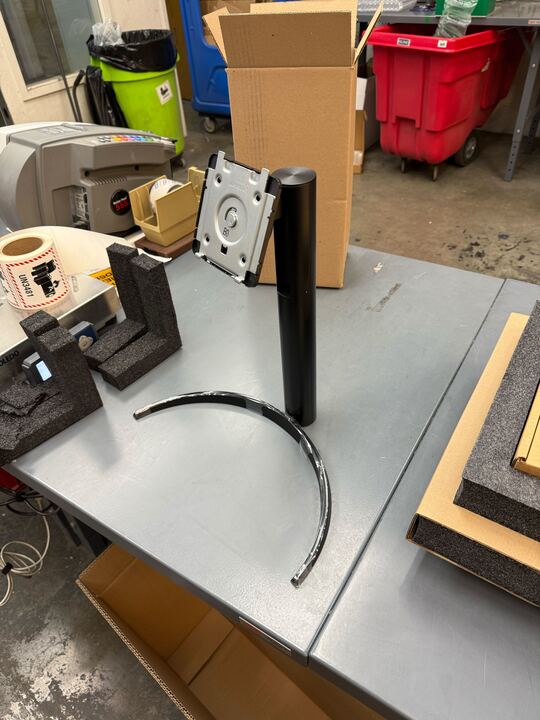
6 Pack Accessories
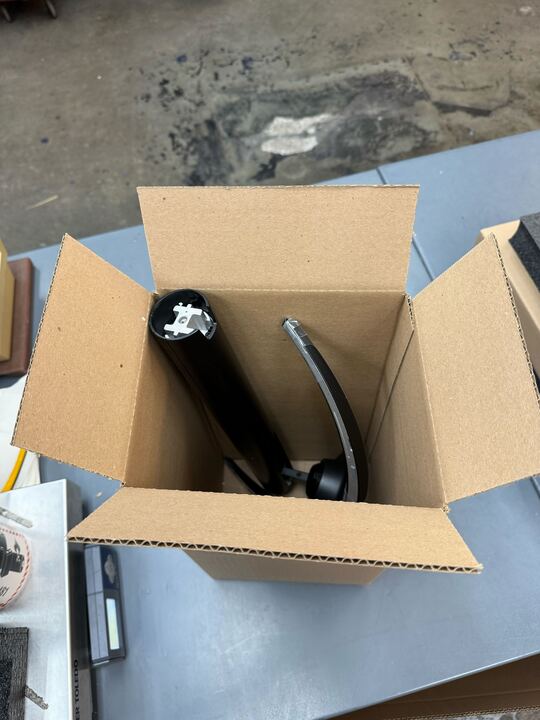
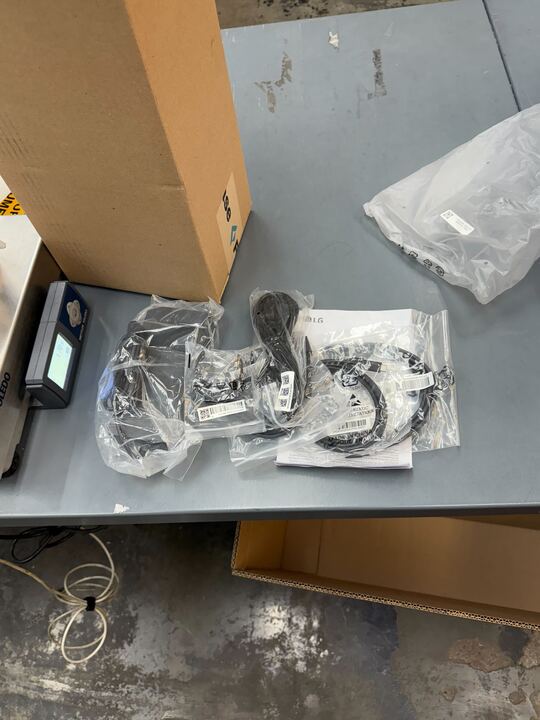
Place the separated parts, along with any additional items you are returning (such as cables or adapters), into the extra box provided in the kit. Use the provided bubble wrap to protect the items and fill any empty spaces.
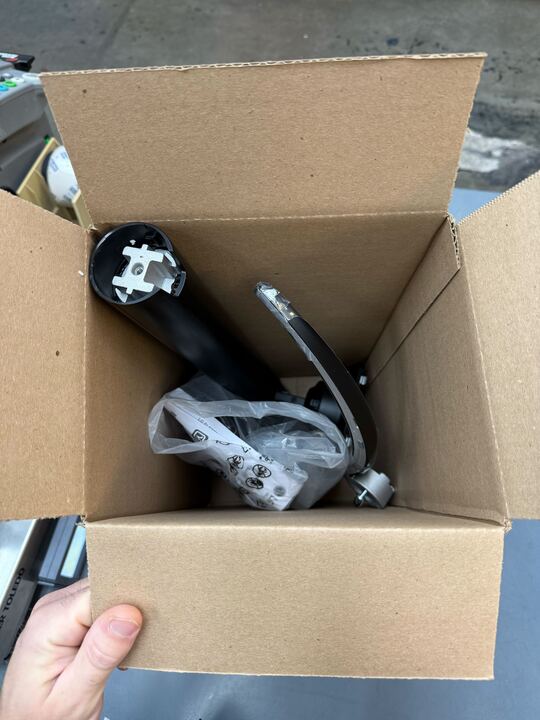
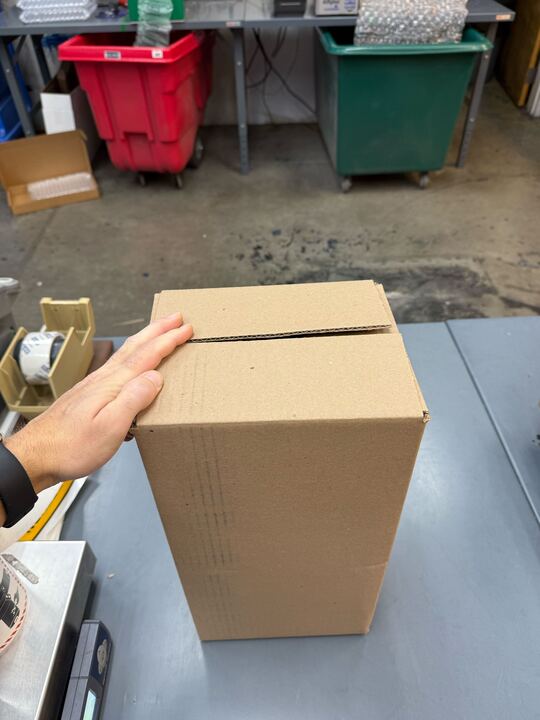
7 Finalize Packing
Place all packed items in the overpack carton.
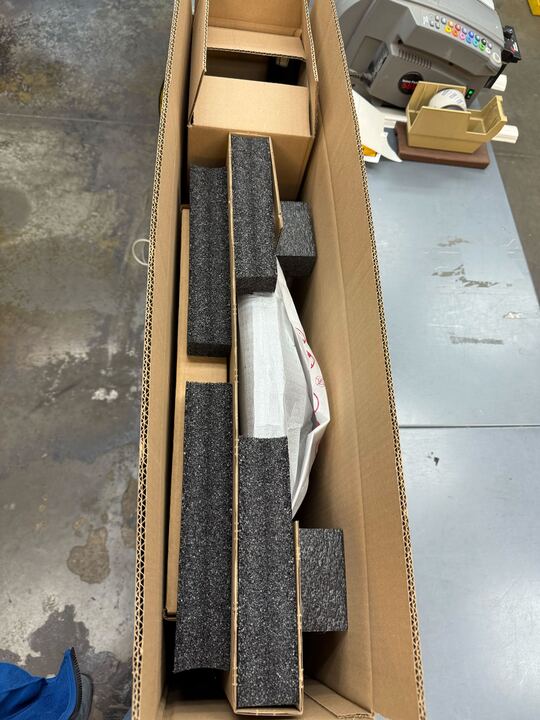
8 Seal and Label
Use the provided tape to securely close the box. Affix the return labels to the outside of the box.